Our friend said that if we had some good photos from Arizona, he would use a couple to decorate his house. I was thrilled. I’ve always considered our photos as “office art” – the one that you may hang in your office and if it gets damaged or is stolen, you don’t really care. “Home” is a special place. Home deserves something much better. But I was excited for this opportunity, didn’t bother to tell him what I think.
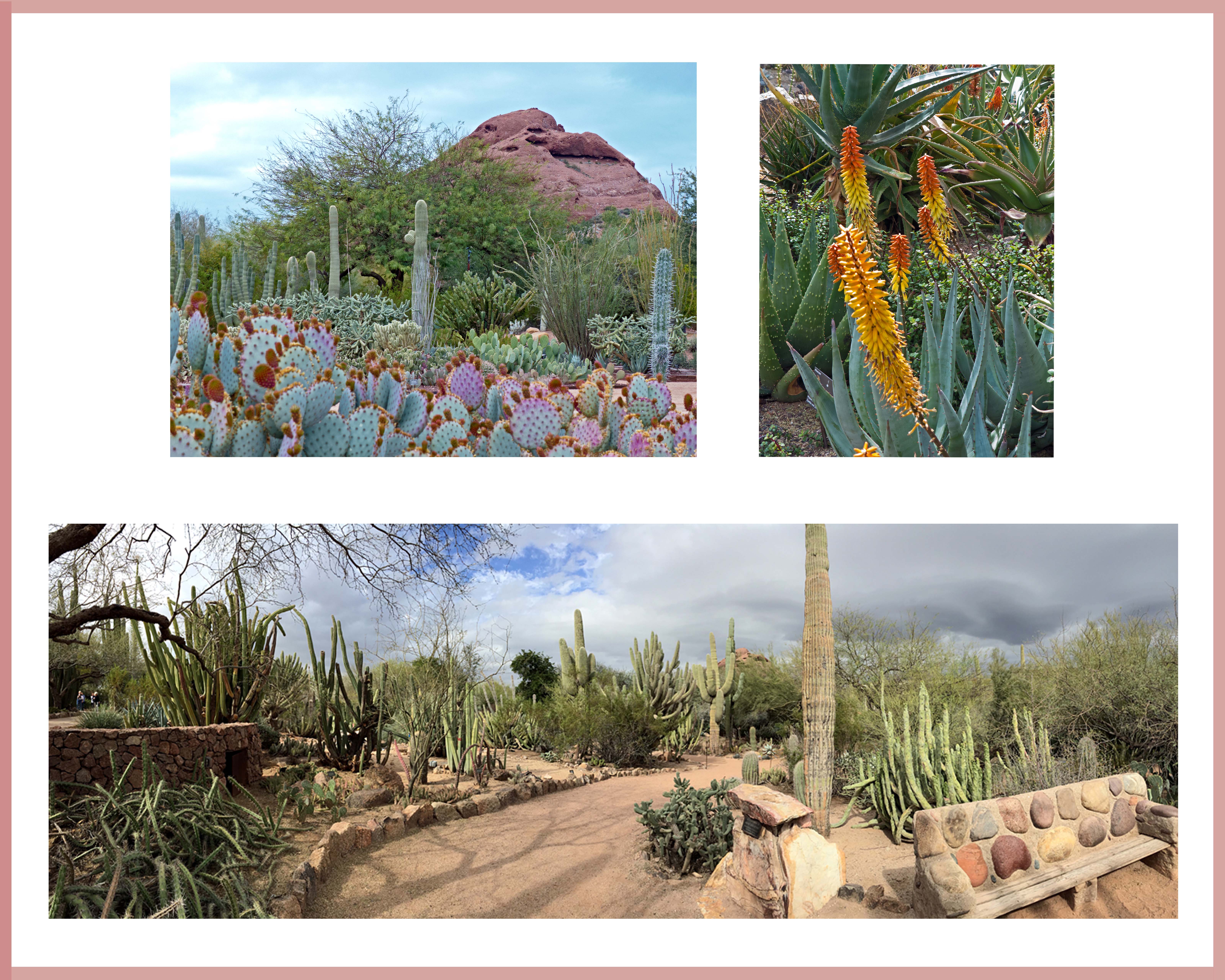
It didn’t take him long to pick 3 photos. One of them is a panorama of the desert garden, which I took with iPhone. Would it be sharp enough when we enlarge the photo? To find out, I printed it at 16 by 20 at Sam’s club. It looked all right, I decided. I then used Photoshop to come up with the size and the composition that we all liked (printed several copies in between, of course).
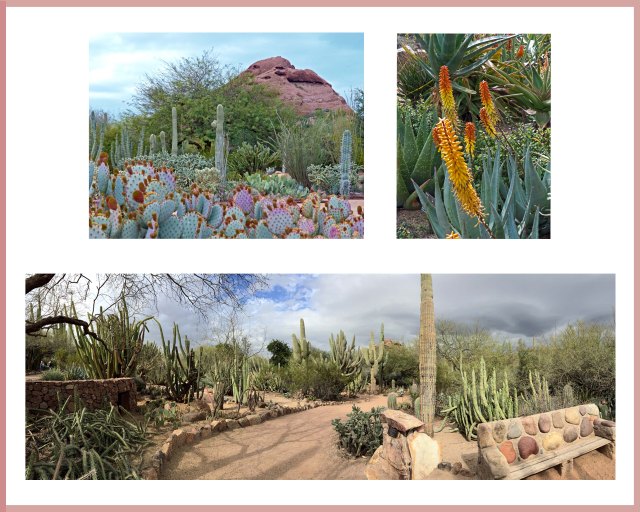
Two weeks later, I brought the photo to West Photo at Minneapolis (which is 2 hour drive) to print. The lady at the shop told me that it would print better if I increase the DPI (dots per inch) to at least 300, and their printer, actually, is able to print 320. My photo, sadly, has 72 DPI – the right amount for posting on the web or viewing on a PC monitor. She even showed me how to change DPI in Photoshop (using image-resize). I thanked her and took the photo home.
I usually printed my photos at Sam’s Club. In my opinion, they do a very good job with 4 by 6, good enough job on 8 by 10 and OK job on 16 by 20. Once in a while I had to print the same photo again because the color didn’t turn out the way I liked, but most of the time, I was satisfied. Not to mention that their price is good.
When I got home, I Googled and read about DPI, and increased the DPI of the photo to 320. I thought it was a good idea to try Sam’s first so I could compare this one with the 72 DPI one that I had printed there before. When uploaded photo at Sam’s, I received an error message… maybe because of the file size (the person who worked there couldn’t tell me why). I went home and made two copies of the same photo: one with 100 DPI, and the other 200. Sam’s machine was able to upload both. I printed the 200 DPI one.
When I got the photo back, I was shocked.
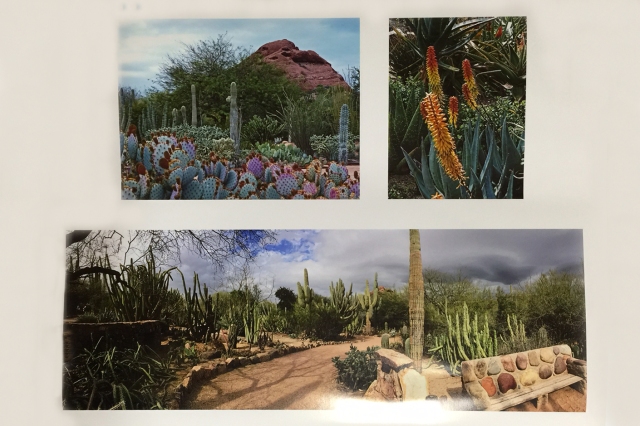
The photo was so dark that a lot of details were missing. Does increasing-DPI make photos darker? I Googled. The answer is “no”. Could it be the quality of the photo?
Before giving up, I emailed Greg, who works at West Photo. I explained to him my problem and asked him if he had any suggestion for me. He asked me if I had calibrated my monitor for color (I remember Cee had mentioned this before). “I don’t think so,” I said.
Back to Google again. After reading a couple of articles on calibrating monitor color, I emailed Greg: how about I’ll send you my photo and you tell me if I should print it or throw it away?
Greg said sure. Wasting no time, I emailed him the photo, and a couple of minutes later, he told me the photo is good.
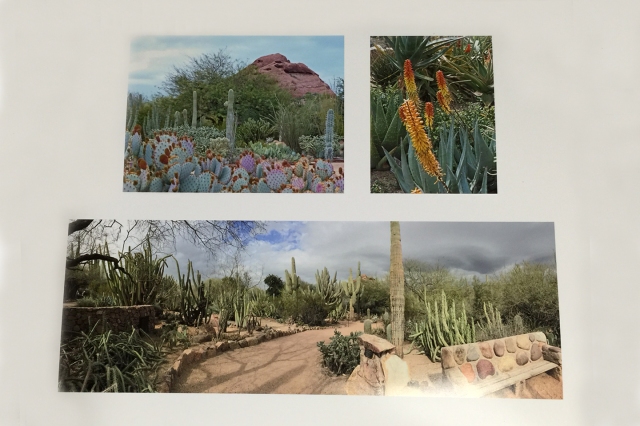
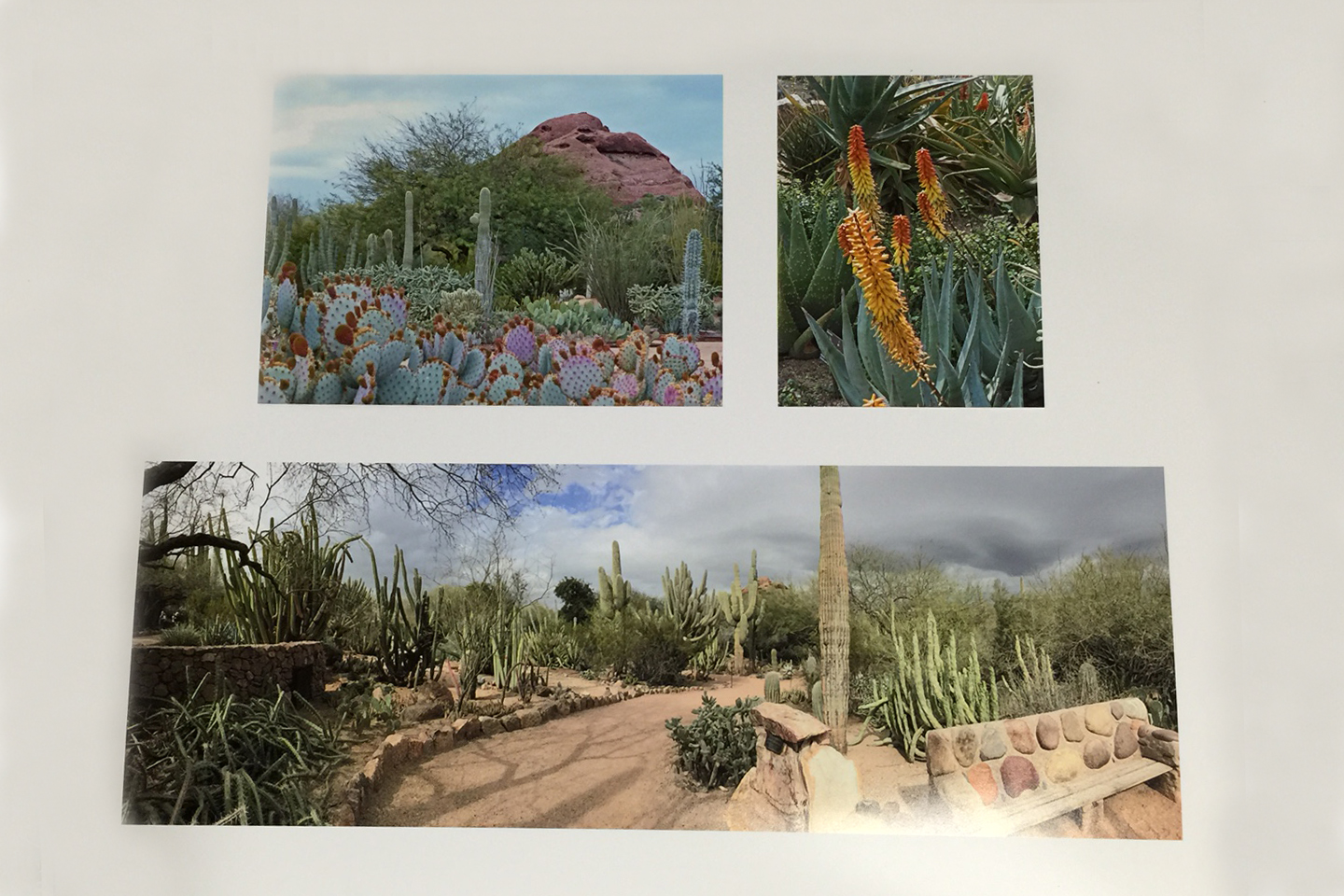
When I picked up the photo, I was happy. It looked much better than Sam’s copy. (I used iPhone to take this photo from the printed copy. The original one looks better 😉
My friend said he would buy the photo. I’m thinking… I probably should pay him for giving me such a wonderful learning opportunity. And… I have had so much fun!














 HHC Blog