This is my submission for XDrive Photo Lesson 14 – Post Processing.
Raj said, “Well, there is no limit on kind of edits one can do.” For me, there is. For now, that is. I only know a few basic edits. Once in a while, I get frustrated and wish I know more, but most of time those few edits do satisfy me.
Raj has listed out 10 basic edits and he said we should do in the sequence mentioned. The 10 edits (in sequence) are: 1) Horizon/Level adjustment 2) Cropping 3) White Balance 4) Brightness 5) Contrast 6) Highlights 7) Shadows 8) Saturation 9) Sharpness 10) Noise Reduction.
Edit in a sequence? I’ve never heard of it. Usually, I would sharp the photo first, and crop the last. Whatever happens in the middle is anyone’s guess.
Then I read Cambridge in Color’s Digital Photo Editing Workflow article. In it, it lists 10 steps also, and says “If you’ve captured your image using the RAW file format, then the order of the steps isn’t as important.” But it doesn’t give any reason ;-(
I decided… for this lesson, I would edit a photo in 3 ways: (1) edit in my usual way (2) edit in Raj’s sequence (3) edit in Raj’s sequence in backward. I got excited.
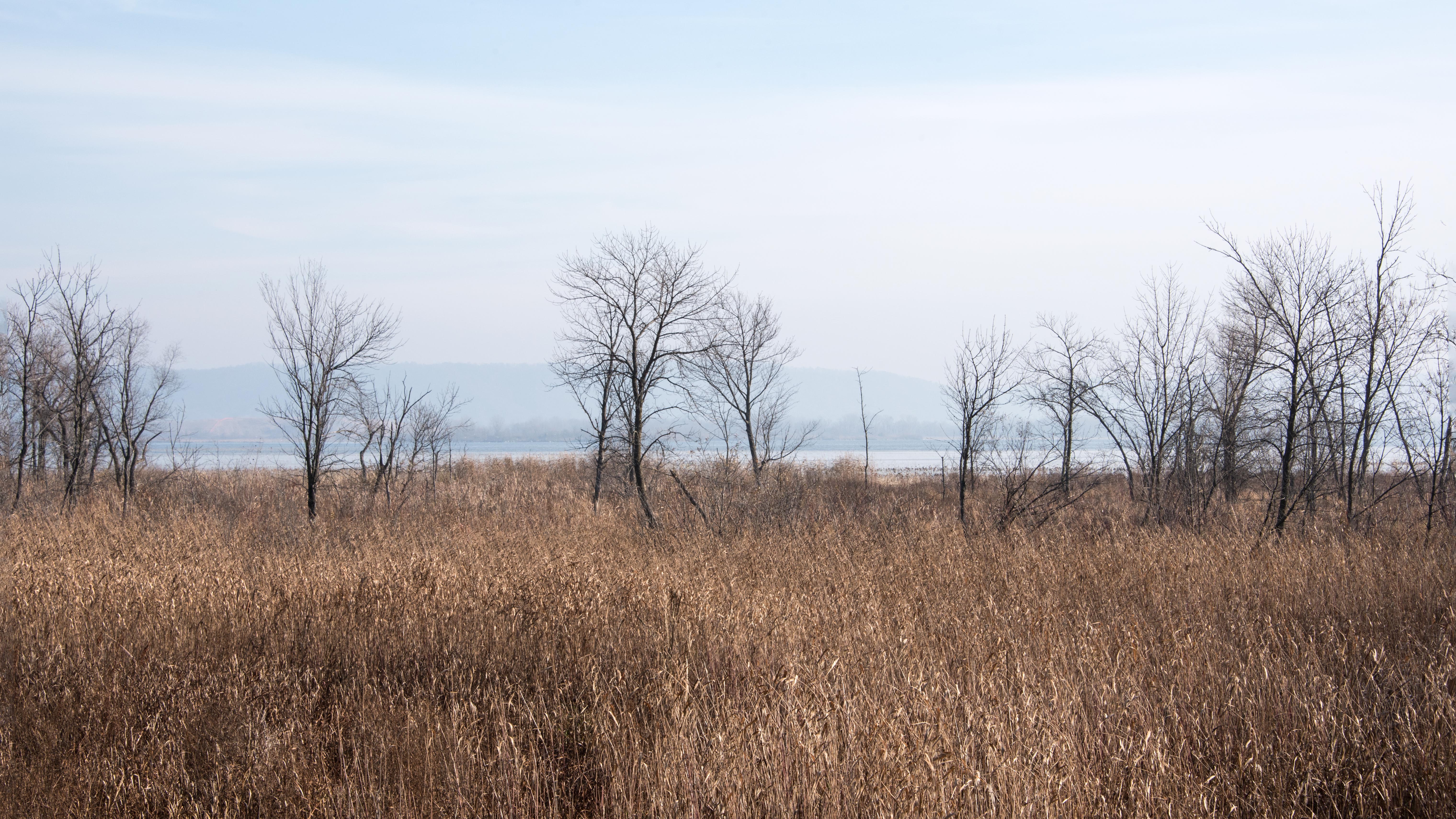
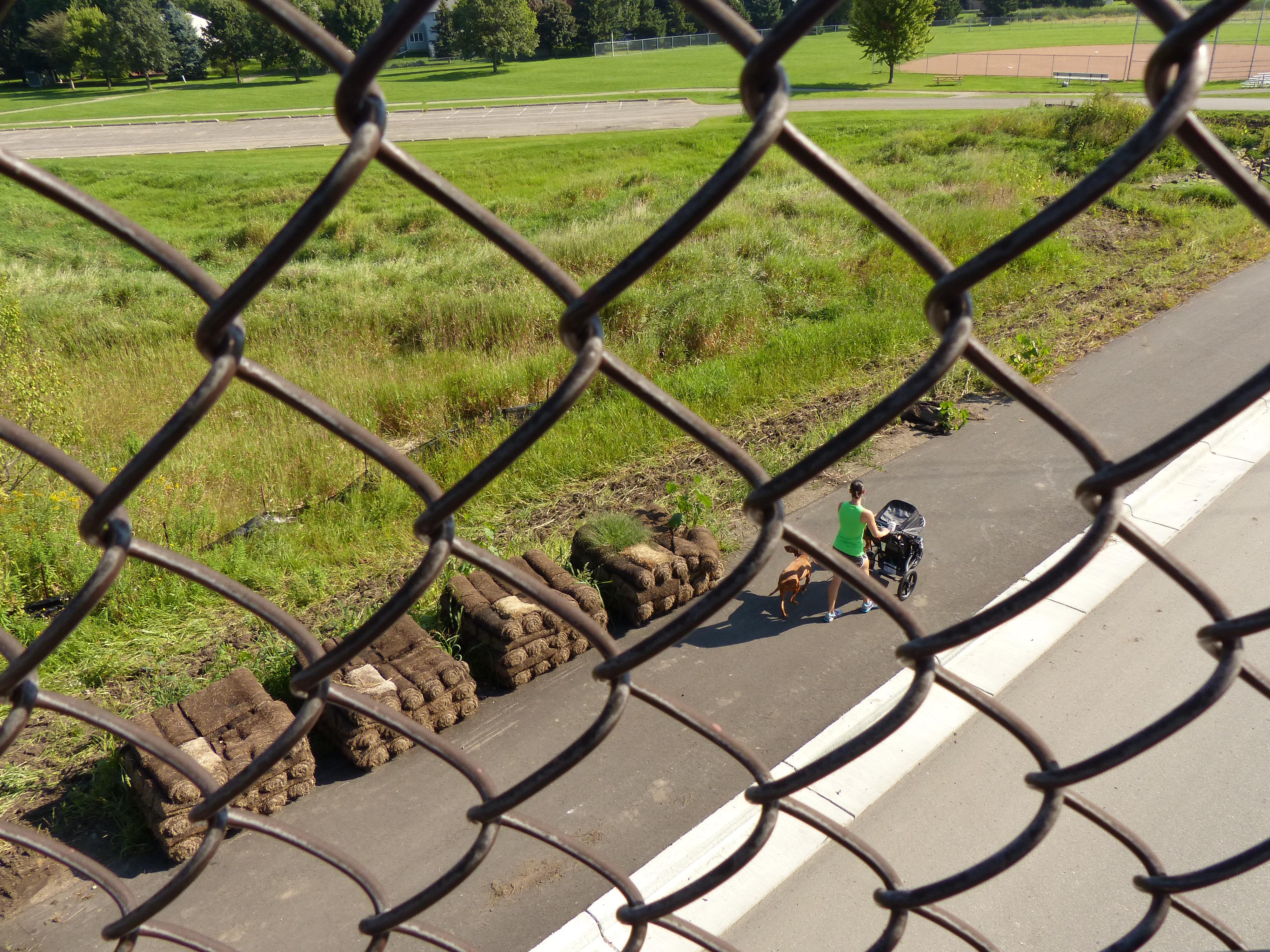
The first was easy (however it took me a while to decide which photo to use.) Here are the before (first) and after (second).


It ended up that I only sharpened and cropped this photo (I wish the person is in a different spot, but…). I was hoping there was more to be done. I was going to try a different photo, but it turned out I might not have to. 😉
Moving on… when I tried to edit in Raj’s sequence, right away, I had a problem. I am using Photoshop Element (although I do have PS and Lightroom installed). If you open a raw file with PS, the first editing screen has several edit functions and these are for Raw only. Every edit step on Raj’s list can be done here (to a certain degree) except the first two steps. This means, I can’t really follow his exactly sequence.
I, also, figured out (I think I have figured out) why Cambridge in Color said if you edited a raw file, the order isn’t as important. It is because when you are in this editing-raw-file screen, before you press the button to continue, you can keep editing. In other words, all edits will happen at the same time – the moment you press the button to continue, so it doesn’t matter which you do first.
After you press continue, a second screen will be displayed and it has similar editing functions. By then, a lot of editing is already done, so the order may not make any difference. (I have no idea what I said is true. It makes sense to me.)
(By the way, other than the first two edits, when I compare Raj’s list with what I see in Cambridge in Color, they are pretty much the same.)
Based on this discovery, there is no point to edit in backward sequence either.
(I can be totally wrong, but…)
One thing I appreciate Raj’s lessons is that because of his lessons, I have a chance to learn things I don’t know I should know. 😉 Can’t wait for Raj’s comment and his next lesson. (Do we keep you busy enough, Raj?)
Thanks for visiting my blog.











 HHC Blog